How to handle the command's with magic.
Magic is on the ui with some buttons to help you!
Location: Top-right sidebar in PhpStorm 📍
This plugin helps you run Composer commands, manage dependencies, and interact with your PHP environment — all from an intuitive panel inside PhpStorm.
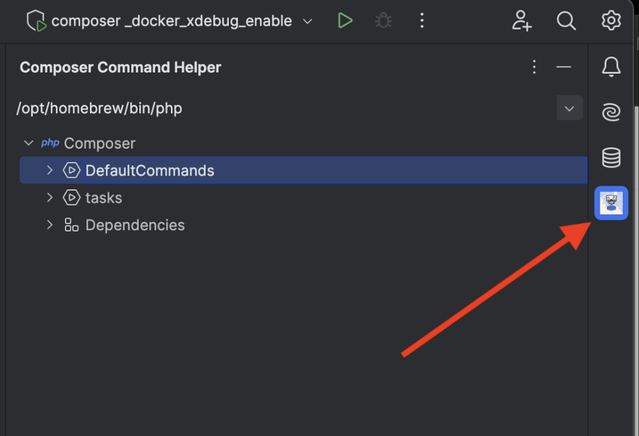
🔹 1. Opening the Panel
📌 You’ll find ComposerCommandHelper in the top-right sidebar of PhpStorm.
-
Just click the icon (it usually looks like a Composer logo or puzzle piece 🧩)
-
The panel will slide open, revealing all plugin features
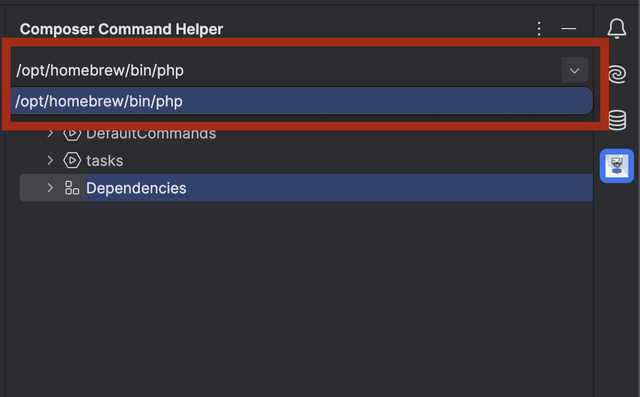
🔹 2. Choosing a PHP Interpreter 🐘
At the top of the panel, you'll see a PHP Interpreter dropdown.
-
Select any interpreter configured in PhpStorm (local, Docker, remote, etc.)
-
The selected interpreter will be used to run all Composer commands.
💡 Tip: Make sure your interpreter has Composer installed!
🔹 3. Viewing Composer Commands ⚙️
Once an interpreter is selected, the plugin automatically loads:
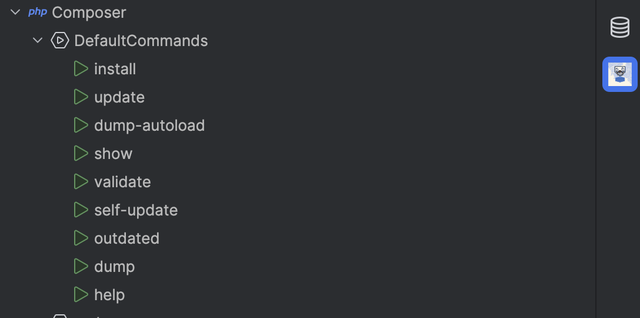
📁 Default Commands These are standard Composer commands, such as:
install
update
dump-autoload
validate, show, and more
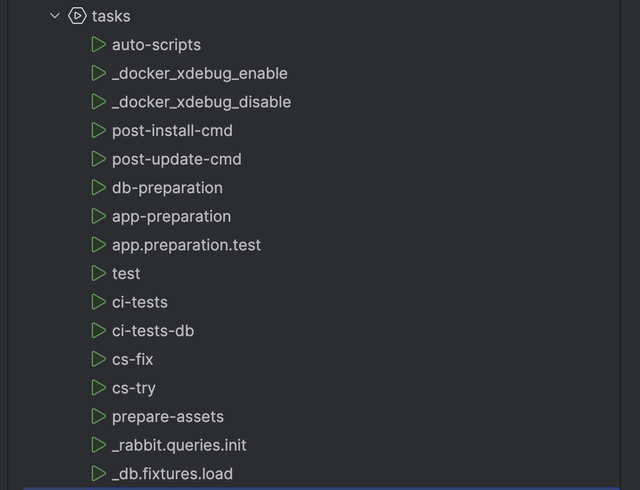
📁 Project Tasks These are custom scripts defined in your composer.json under the scripts section.
🟢 Each command has a Run button (▶️) next to it — just click to execute.
🔹 5. Managing Dependencies 📦
The Dependencies section shows all installed Composer packages and PHP extensions.
🗑️ Uninstalling Double-click any listed dependency to uninstall it.
🔍 Installing New Packages
-
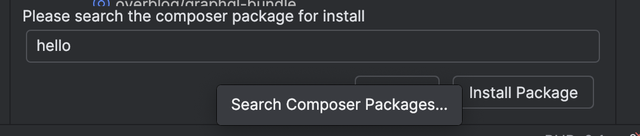
Use the search box under the dependency list
-
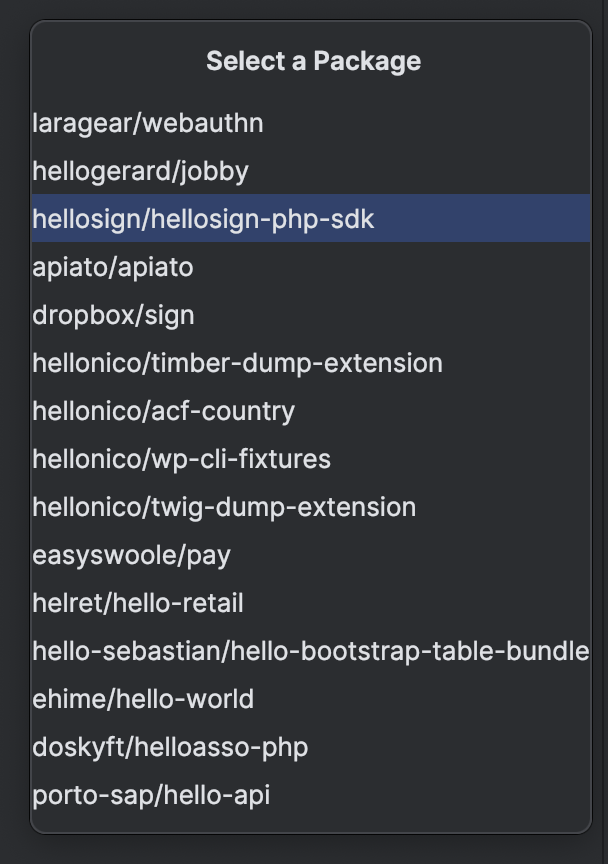
Type a package name (e.g., guzzlehttp/guzzle)
-
Click Search
-
Click Install Package
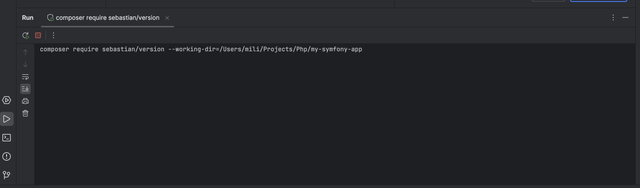
Installed packages will automatically be added to your composer.json and installed in your project.
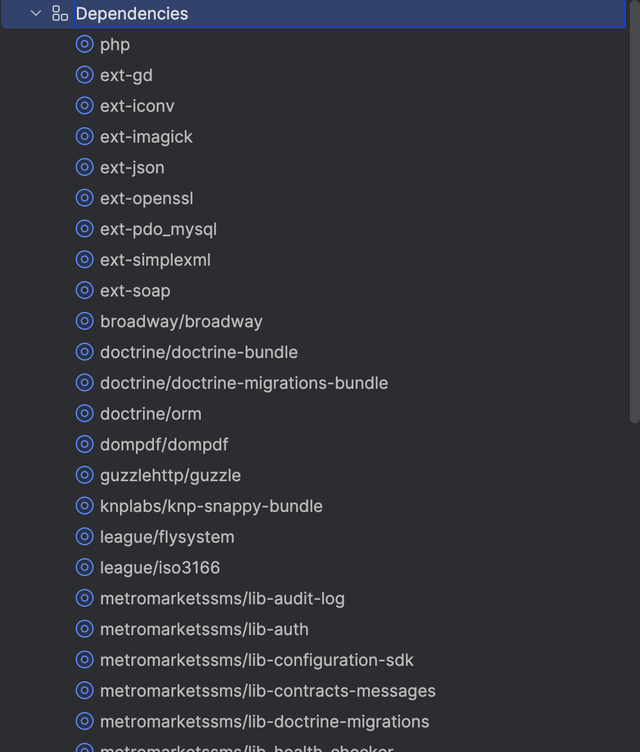
Deleting package by double clicking

Installing a package